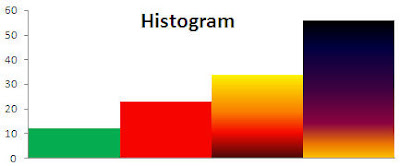
Histogram is a simple column chart but there are no gaps between columns. In Excel and Word it's quite uneasy to find how to make a histogram. In Help there is only 3 results which show something related to histograms and not really helpfull.
- To start making histogram fill all cells with needed data in excel worksheet.

- Highlight all data and select insert->colum->clustered column as shown in the screenshot.

A simple clustered column charts appears.
You can make it look like a histogram by going to design tab and Chart Layouts. Select layout style no. 8 and see how diagram changes into histogram looking chart.

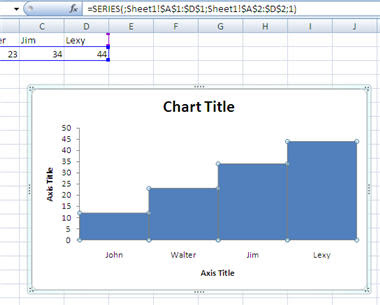
The same procedure goes with Word. You can copy diagram in Word from Excel.


